Calendar wallpaper
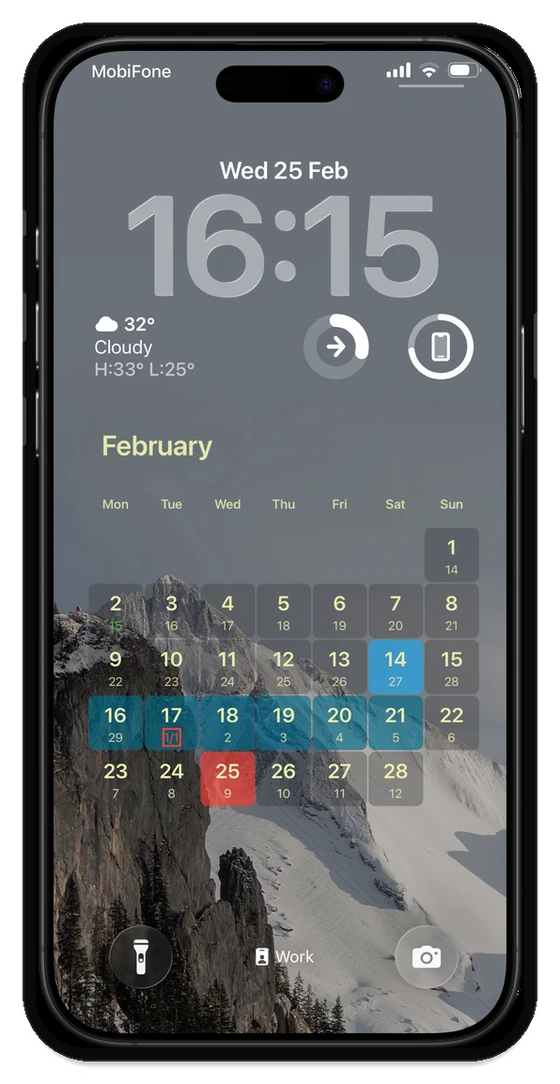
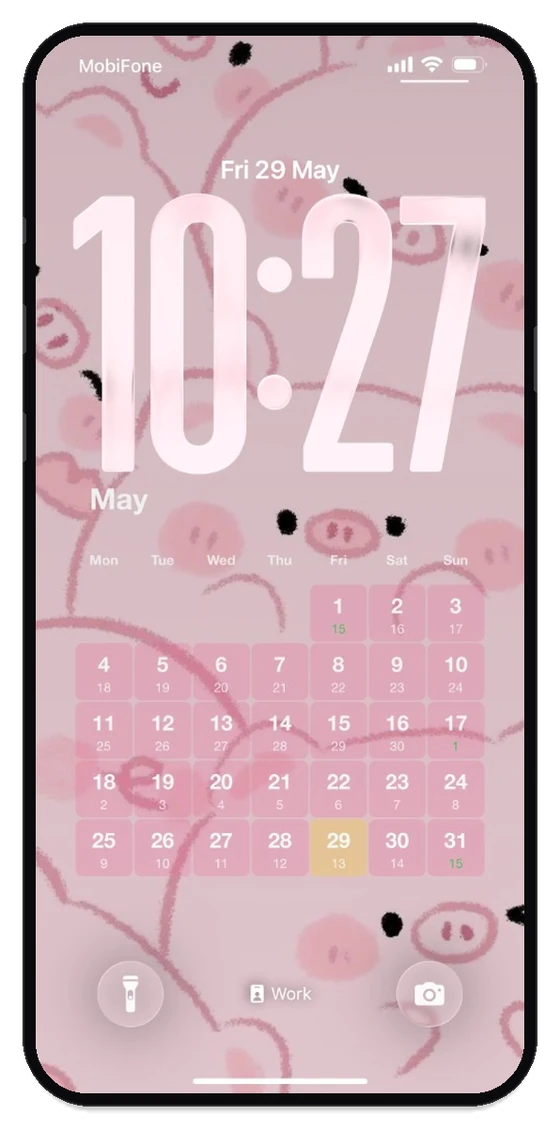
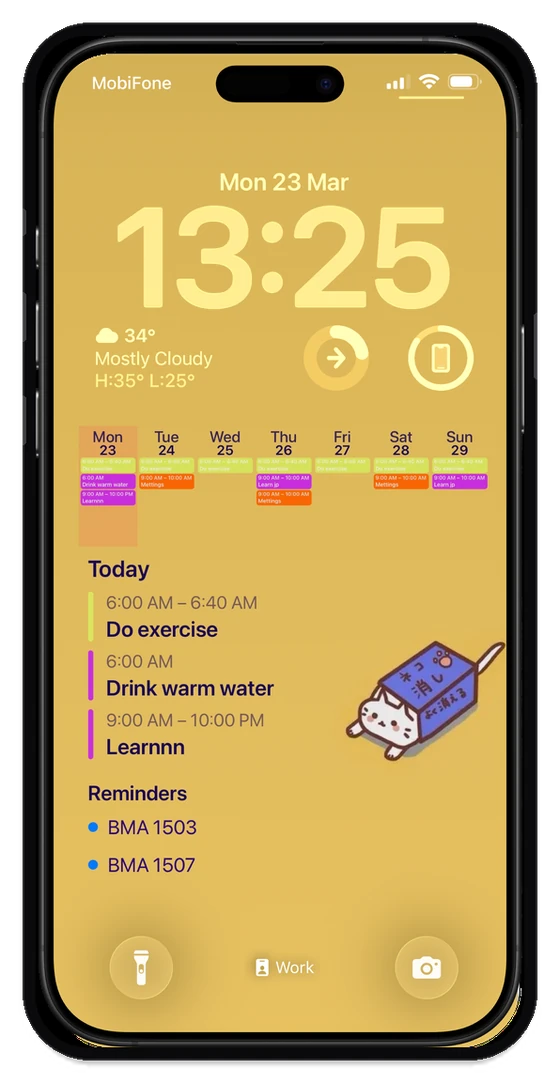
The app draws your month, week, or today’s events onto the Lock Screen image. Wake the phone and the schedule is already there.
iPhone · Android · Lock Screen
See your daily schedule, reminders, and upcoming events at a glance -without unlocking your phone. Designed to reduce screen time and keep you focused on what matters.
Free to try on the App Store and Google Play. No account required.
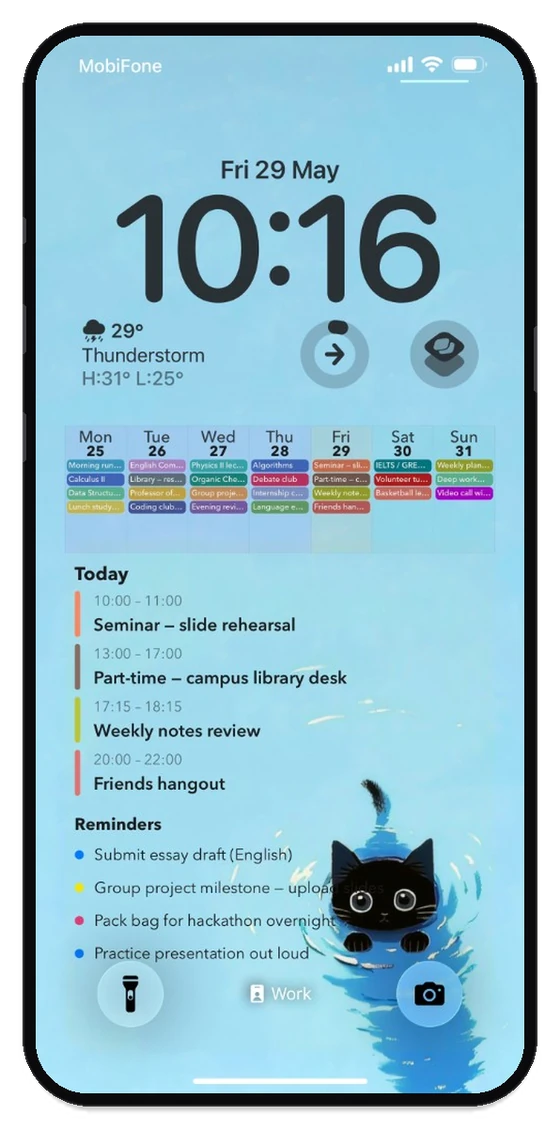
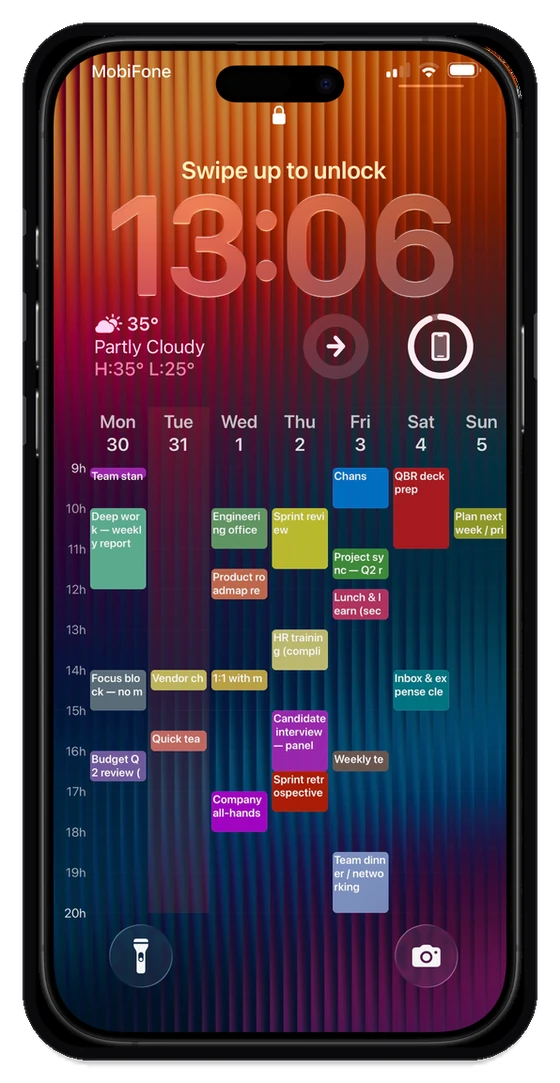
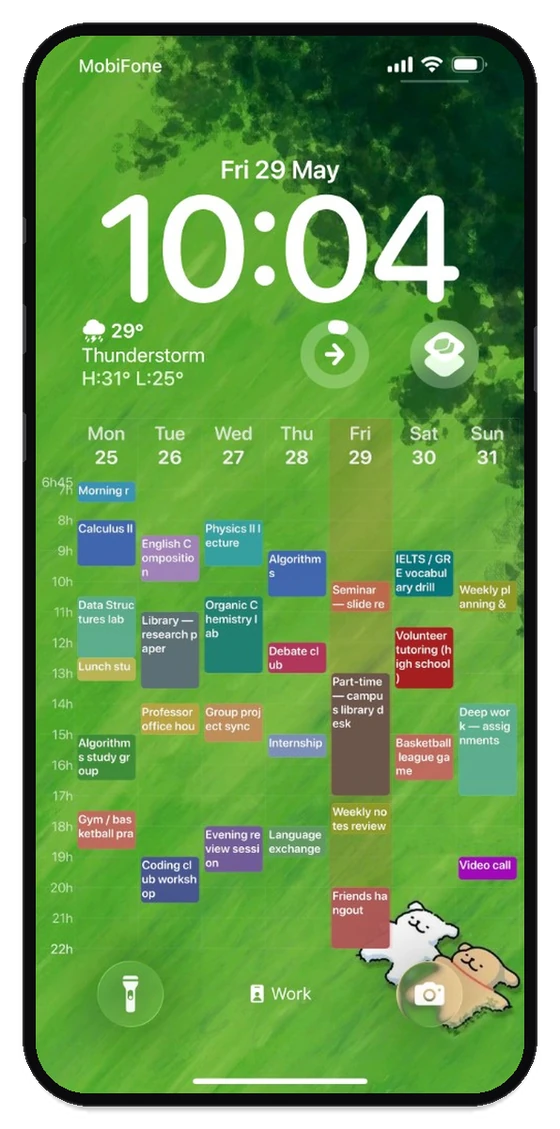
Whether you're balancing grad school and a full-time job, managing ADHD, or just hate constantly opening your calendar app, LockScreen Calendar Maker keeps your day structured and right where you can see it.
In the app
The app draws your month, week, or today’s events onto the Lock Screen image. Wake the phone and the schedule is already there.
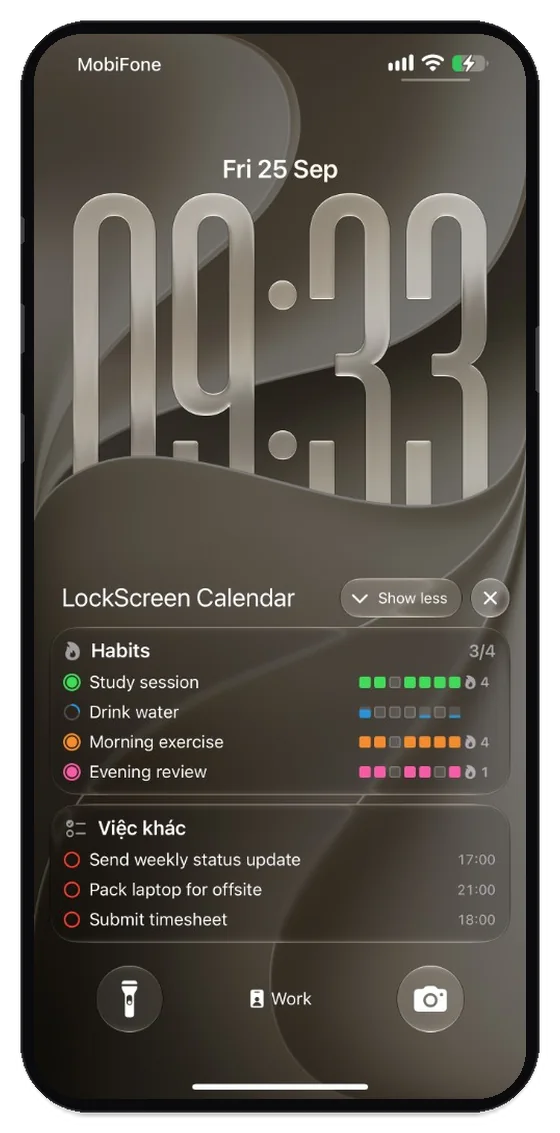
Add a habit, then check it in. Switch between this week and the year. Each day is a color or a sticker, and the card shows your streak.
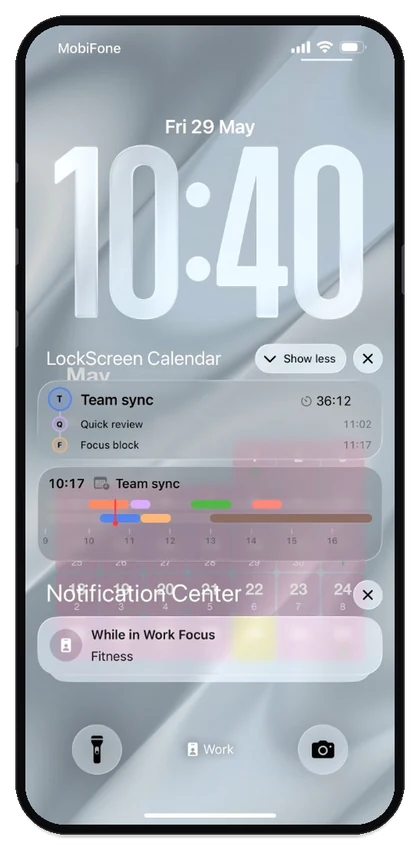
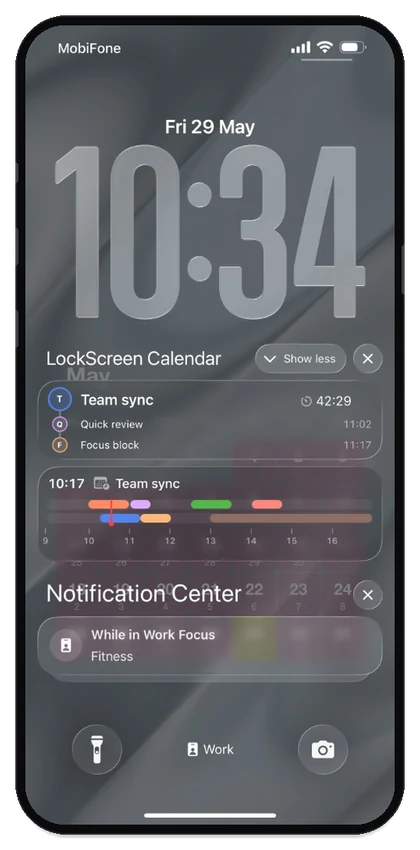
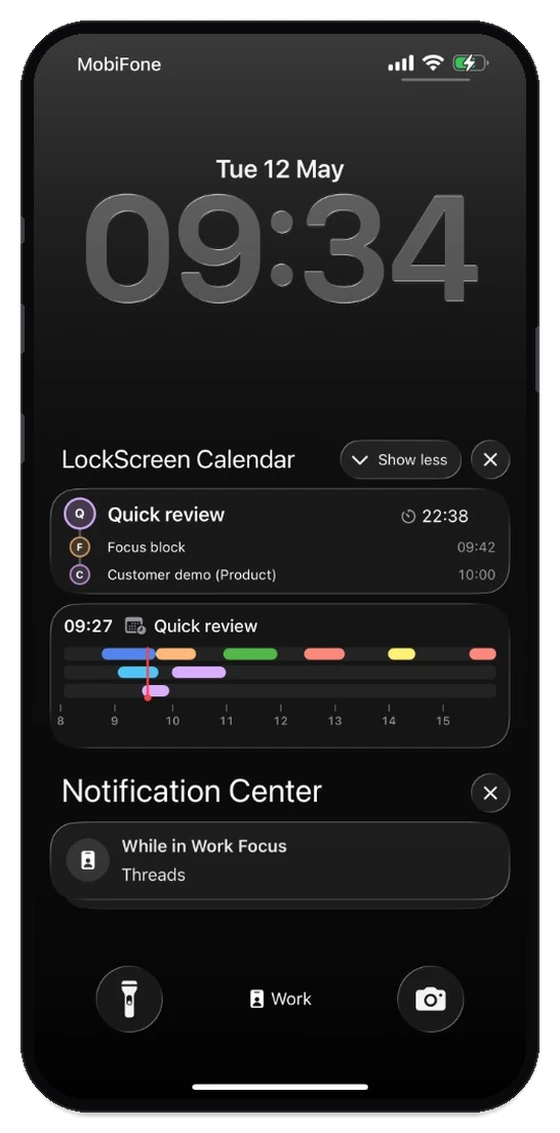
Live Activity lists what’s next and the day’s timeline on the Lock Screen. Widgets let you pick a month, week, or Today layout, then tune font, color, and spacing to match the wallpaper.
Lock Screen wallpapers
Choose from month grids, week timelines, or Today lists. Style fonts, colors, and widgets to blend perfectly with your favorite wallpaper.
More Lock Screen setups (same app, different presets):
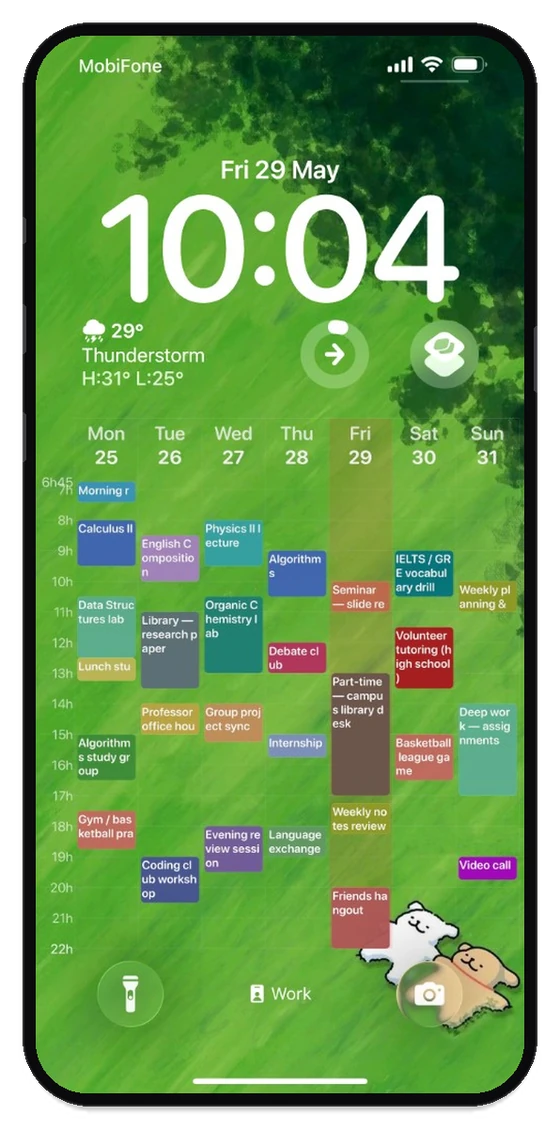
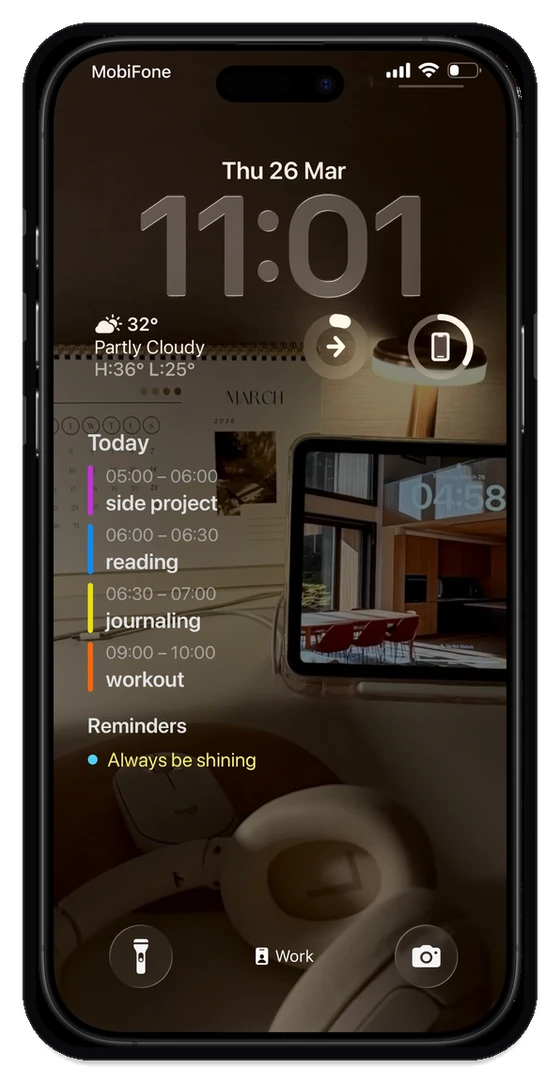
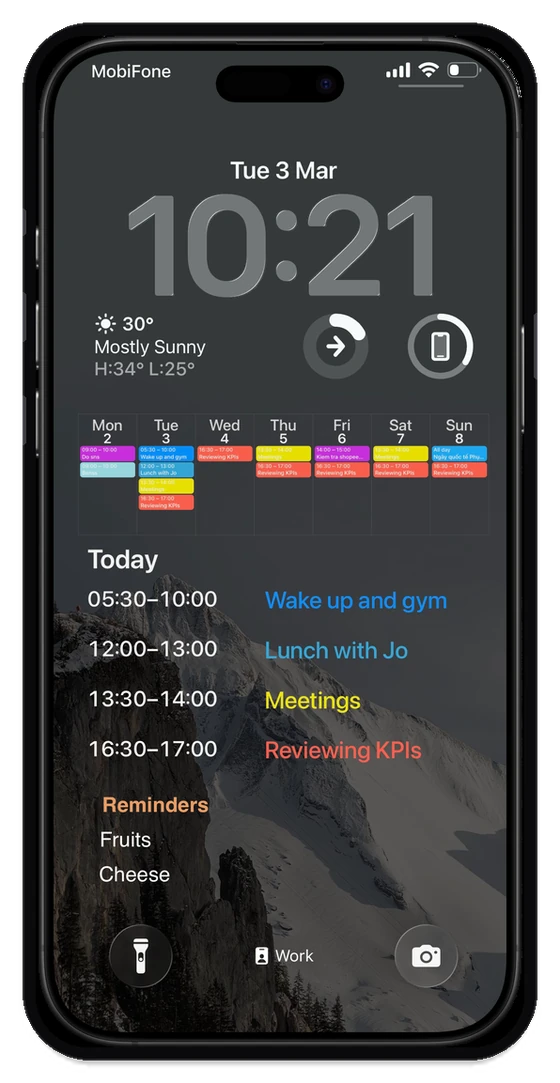
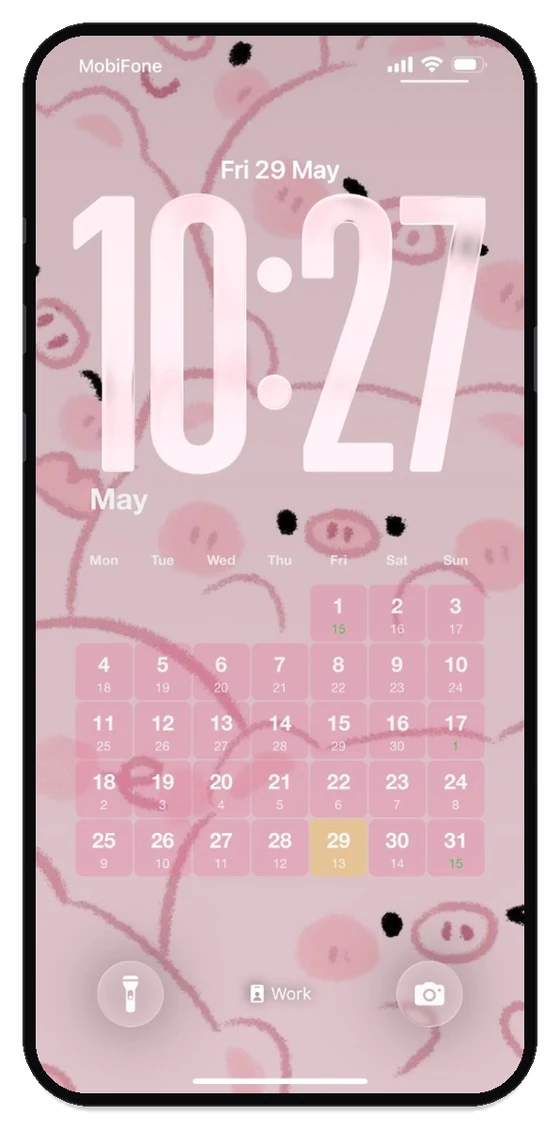
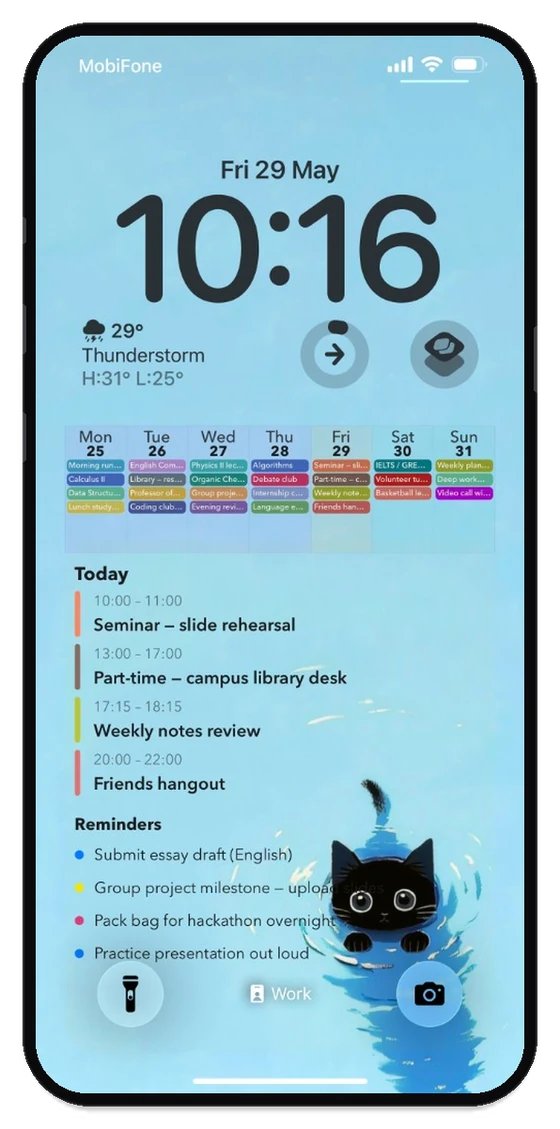
Month, week strip, Today list, and more: start from a preset, then refine.
Tune density so events stay readable at a glance.
Match typography and accents to your wallpaper.
Show reminder lists next to your calendar blocks.
Habits
See this week or the whole year. Each habit keeps its own color, icon, and streak — a quiet grid, or a sticker for every day you showed up.
Week view and year view:
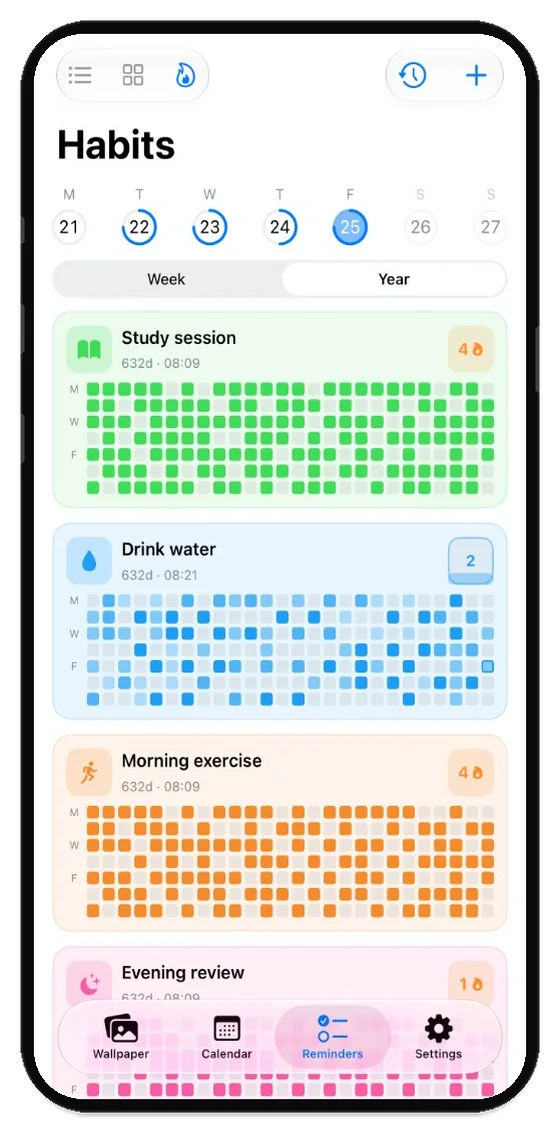
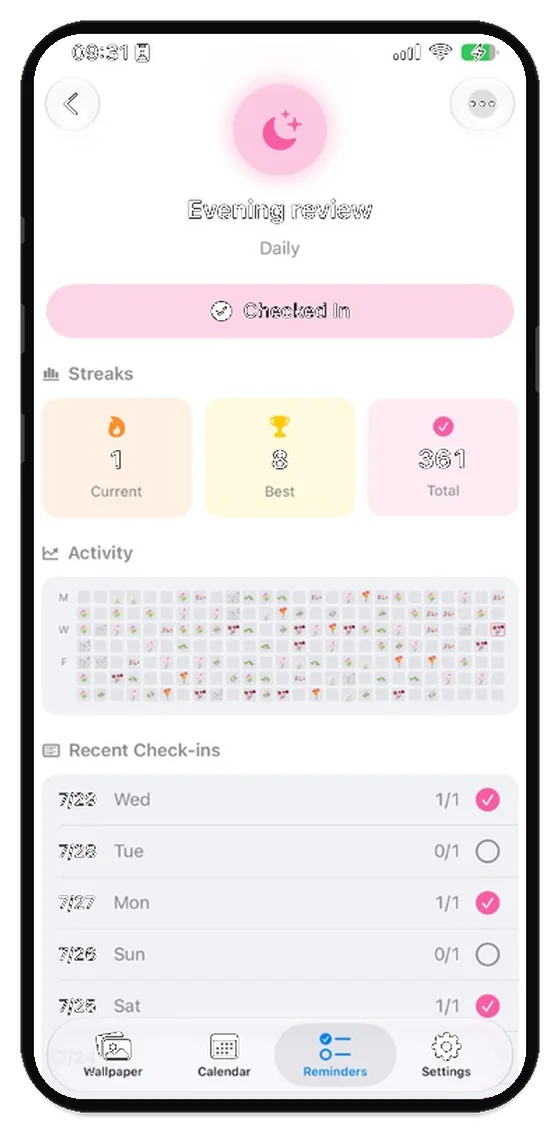
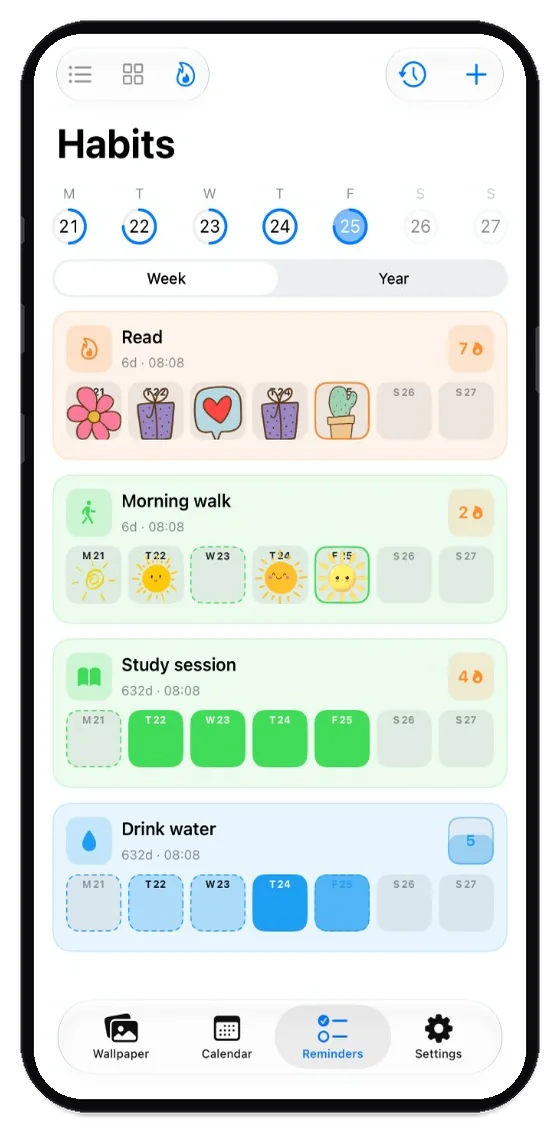
Scan this week’s check-ins, or zoom out to a year of dots.
Current streak, best streak, and total check-ins stay on the habit.
Study, water, exercise, review — each one keeps its own tint.
Mark a day with a small sticker, or a simple colored square.
Live Activity
Track upcoming events and your daily timeline in real-time. As your schedule changes, your Lock Screen updates automatically.
More Live Activity setups:
App Store
Showing 1–1 of 7
Join thousands of users who stay focused and never miss an event. Download now—no account or credit card required.
Setup
Put your calendar on the Lock Screen in a few minutes. iPhone uses an in-app Auto Wallpaper Setup Guide with Shortcuts. Android sets the wallpaper inside the app — no Shortcuts needed.
Privacy
We don't upload your life to the cloud. LockScreen Calendar Maker works directly with the local calendars on your Apple or Android device.

Tips & Guides
Shortcuts, routines, and time-blocking ideas that pair well with Lock Screen Calendar Maker.